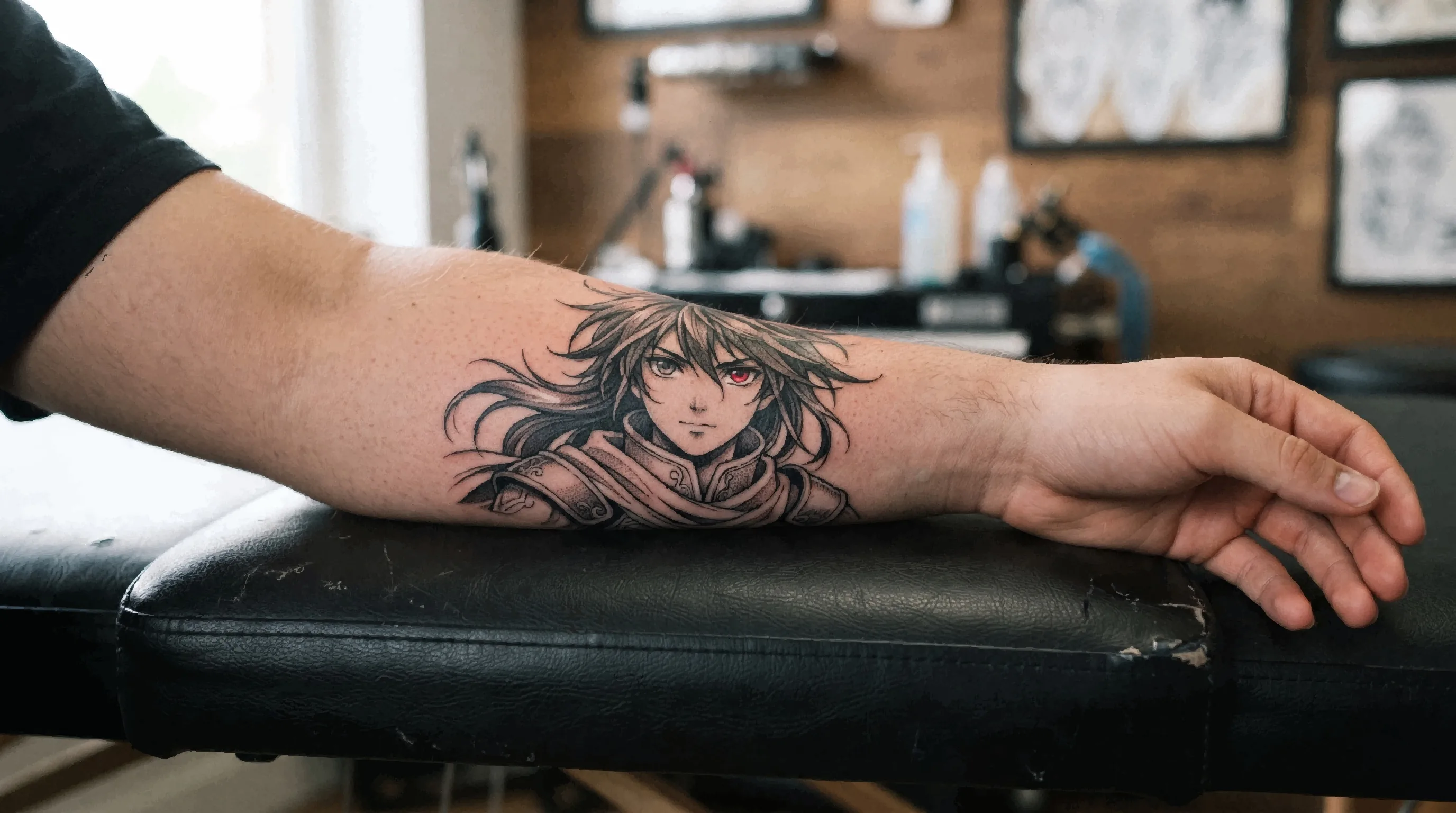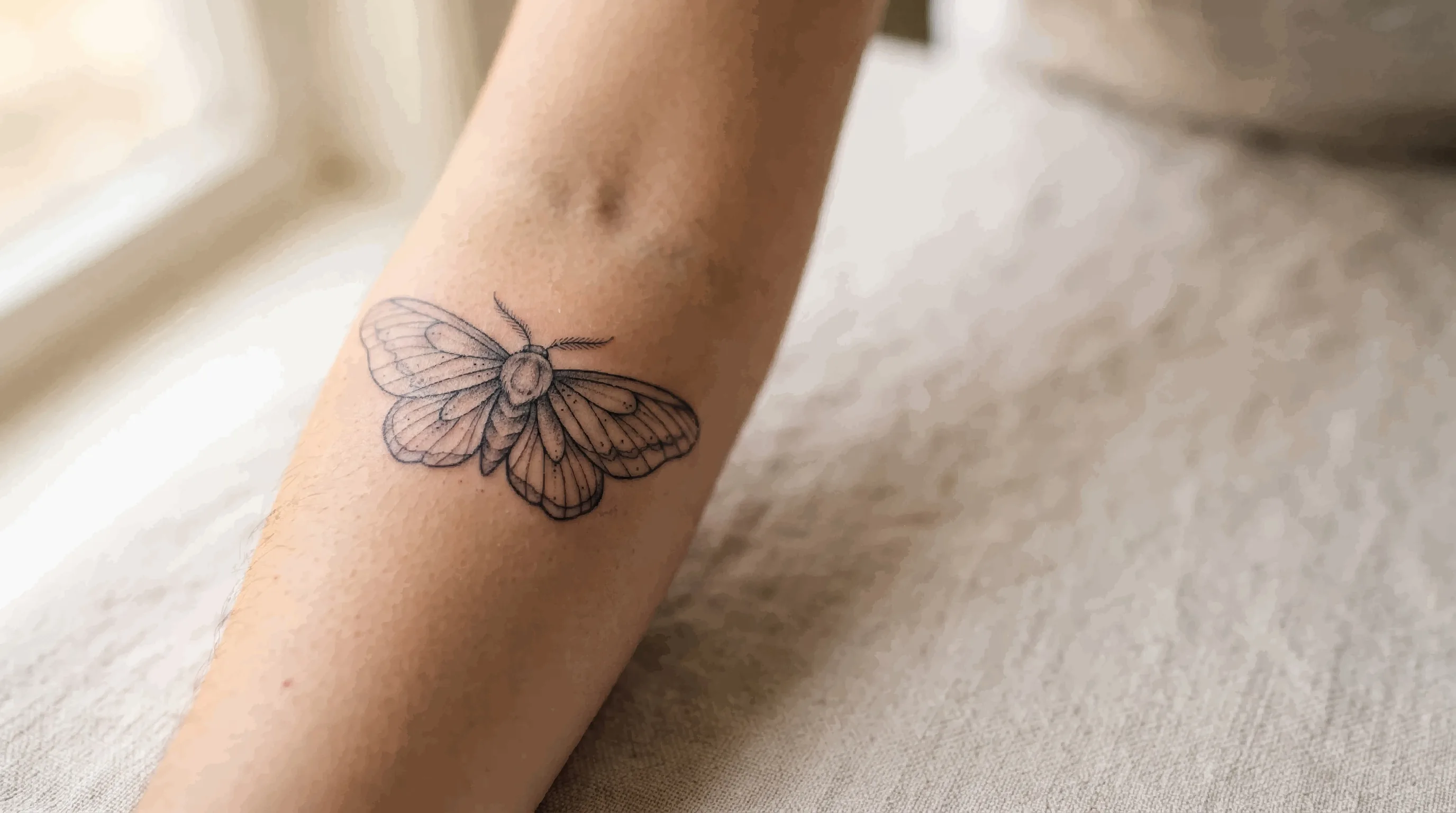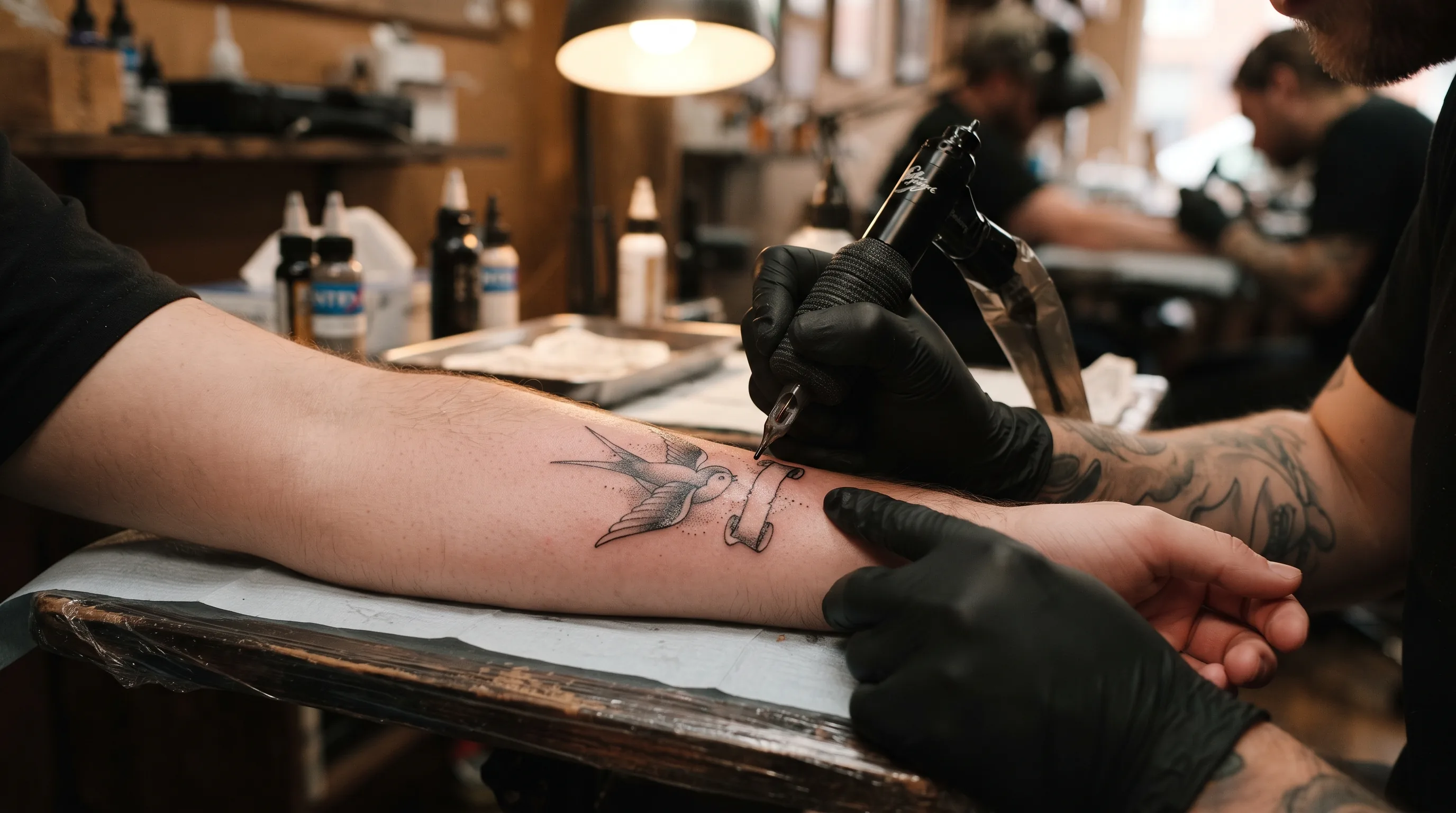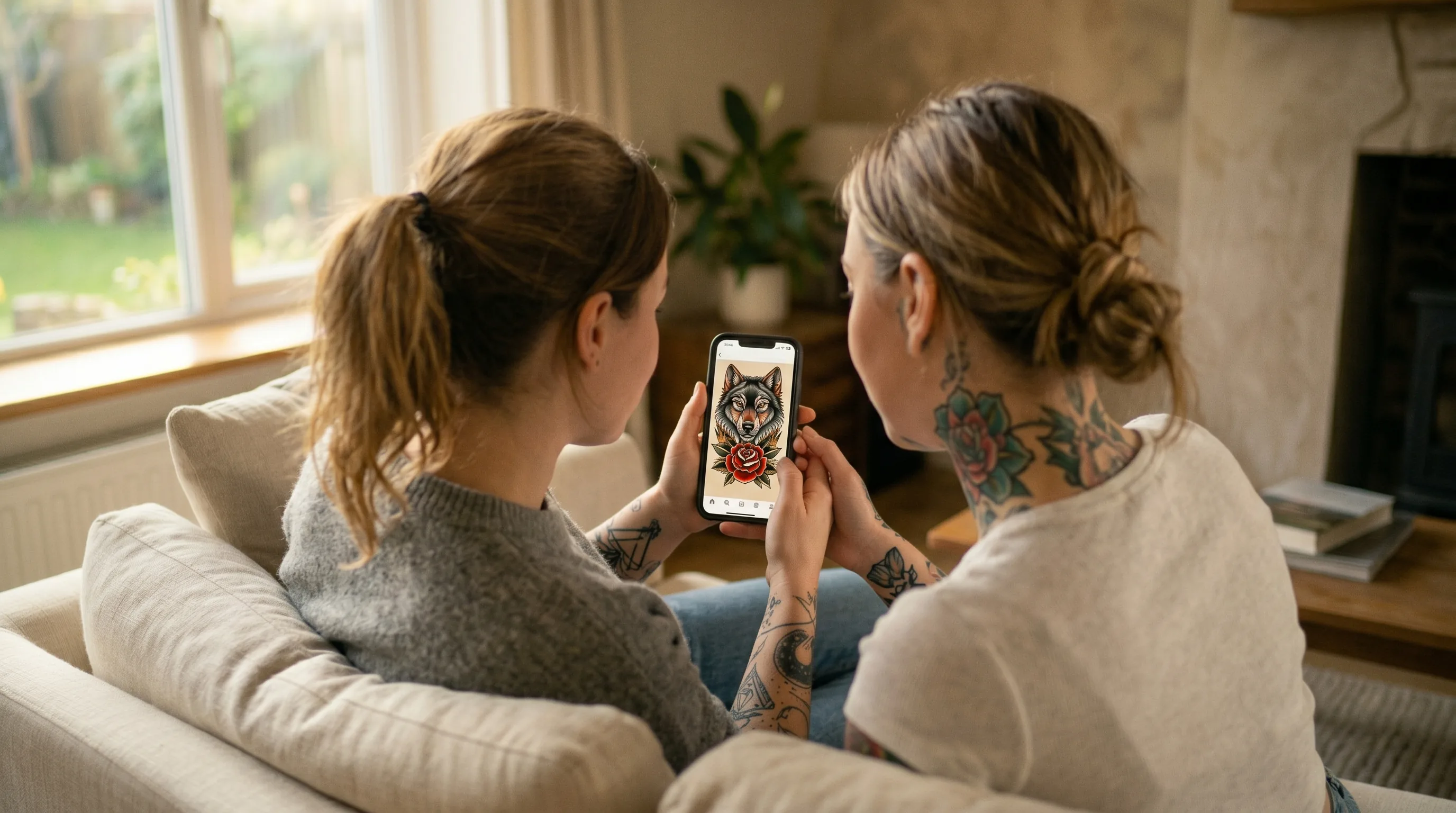
Knowing what you want is often the hardest part of getting a tattoo. You have a feeling, a mood, a loose concept — but translating it into something visual enough to show an artist has always been a gap most people fill with Pinterest screenshots and vague descriptions. AI tattoo design tools are changing that. Here is how to use them effectively.
What AI Tattoo Design Tools Actually Do
AI image generators work by training on millions of images and learning to connect visual patterns to text descriptions. When you type a prompt like "Japanese crane, black and grey, fine line, arm placement," the model assembles an image by predicting what that combination should look like based on everything it has learned.
The result is not a human artist drawing your tattoo — it is a statistical approximation of one. That distinction matters, and we will come back to it. But as a tool for exploration and communication, it is genuinely useful in a way that nothing before it has been.
The Right Way to Think About AI Tattoo Designs
The most common mistake people make with AI tattoo tools is treating the output as a finished product. It is not. AI-generated designs almost always have issues that make them difficult or impossible to tattoo directly — inconsistent line weights, details that are too fine to hold in skin, anatomical errors in animals or figures, or shading that a needle simply cannot replicate.
Think of AI as a mood board generator, not a tattoo generator. Its best use is giving you a visual reference you can hand to an artist and say: "Something in this direction — this style, this composition, this energy." That is enormously more useful than a paragraph of words.
How to Use AI for Tattoo Inspiration
The process is more iterative than most people expect. Here is a practical approach:
Start Broad, Then Narrow
Begin with general concepts and generate several variations. If you want a floral piece on your forearm, try prompts like "botanical illustration tattoo, blackwork, forearm, fine line" and see what comes back. Do not lock onto the first image. Generate ten, pick the two or three that have the right energy, and use those as your starting point.
Specify Style Explicitly
AI tools respond well to tattoo style terminology. Including words like "neo-traditional," "realism," "watercolor," "Japanese irezumi," "blackwork," "geometric," or "fine line" in your prompt will push the output toward that aesthetic. Vague prompts produce vague results.
Include Placement
Mentioning body placement — "ribcage," "inner forearm," "back piece," "behind the ear" — can help the AI generate compositions that fit that area's proportions and shape. A design meant for a thigh wraps differently than one meant for a wrist.
Describe the Mood, Not Just the Subject
"Dark," "delicate," "bold," "minimal," "intricate," "ethereal" — these mood descriptors often do more work than a subject alone. "Wolf tattoo" is a generic prompt. "Wolf tattoo, geometric, minimal linework, dark mood, forearm, blackwork" gives the AI much more to work with.
Using AI Designs to Communicate With Your Artist
This is where AI adds the most real-world value. Tattoo consultations often stall because clients struggle to express what they want. An AI-generated image bridges that gap immediately.
When you arrive at a consultation with three AI images and a sentence like "I want something between these two but with the shading from this one," your artist has a concrete visual starting point instead of a blank canvas. The consultation moves faster, the custom design they draw will be closer to what you imagined on the first pass, and the chance of misalignment drops significantly.
A good artist will not copy an AI image. They will use it to understand your aesthetic preference and draw their own version — one that is actually tattooable, refined to their style, and unique. That is the outcome you want.
Can You Get an AI Design Tattooed Directly?
Occasionally, yes — but it is rare, and you should not plan on it. The issues that make AI designs difficult to tattoo include:
- Inconsistent line weights: AI images often have lines that vary in thickness arbitrarily. Tattoo linework needs to be intentional and consistent to hold in skin.
- Detail that is too fine: AI tends to add micro-detail that looks good on screen but will blur and bleed in skin within a few years.
- Non-repeating elements: Patterns and textures in AI designs often have subtle inconsistencies that a trained eye will catch and a tattoo artist will have to resolve.
- Anatomy errors: Realistic animals, faces, and hands frequently have subtle distortions in AI-generated images that need correction before they can be tattooed.
Some experienced artists are willing to clean up an AI design rather than redraw it from scratch. Ask your artist directly — do not assume they will either accept or refuse without discussing it.
How the Tattooed.co AI Tattoo Designer Works
The AI Tattoo Designer on Tattooed.co is built specifically for tattoo ideation. You describe what you are looking for — style, subject, placement, mood — and the tool generates visual concepts you can save, refine, and share directly with an artist.
Unlike general-purpose AI image tools, the prompts are guided toward tattoo-relevant outputs, which means less time fighting with the generator to get something that actually looks like a tattoo. Once you have a concept you like, you can browse artists on Tattooed.co who specialize in that style and reach out directly.
Tips for Getting Better Results
- Be specific about what you do not want. "No flowers," "no color," "no script" — negative constraints help as much as positive ones.
- Regenerate frequently. The first result is rarely the best one. Treat generation as a drafting process, not a one-shot attempt.
- Save everything you like. Even images you reject completely may have one element — a shading technique, a composition choice, a line style — worth referencing later.
- Do not over-engineer the prompt. More detail is not always better. Sometimes a shorter, clearer prompt produces cleaner, more usable results than a paragraph.
- Use it alongside real portfolios. AI inspiration works best when paired with research into actual artists. Find an artist whose real work you love and use AI to develop the concept you bring to them.
Finding an Artist After You Have Your Concept
Once you have an AI-generated reference you are happy with, the next step is finding an artist who specializes in that style. This matters more than most people realize — an artist who primarily does realism portraits will not produce the same result on a neo-traditional floral piece as someone who has done hundreds of them.
Search by style and location, look carefully at healed work in portfolios, and reach out with your reference images in hand. The clearer your brief, the better the response you will get.
AI Tattoo Design FAQ
Can I use an AI-generated image as my tattoo design?
In some cases, yes — but most AI images need adaptation by a tattoo artist before they can be tattooed properly. Line weights, detail levels, and anatomy often need correction. Use AI output as a reference and starting point, not a final stencil.
Do tattoo artists mind if you bring AI references?
Most professional artists are fine with AI reference images used for inspiration. What they object to is being asked to copy AI output without adaptation, or being replaced by it. Bringing AI images as mood references — alongside real portfolio references — is increasingly common and generally welcome.
Are AI tattoo designs copyrighted?
This area of law is still developing. In most jurisdictions, AI-generated images without meaningful human authorship are not eligible for copyright protection — meaning neither you nor the AI tool owns exclusive rights to the image. As always, consult legal guidance for specific situations, but for personal tattoo use, this is rarely a practical concern.
What tattoo styles work best with AI generation?
Geometric, blackwork, neo-traditional, and illustrative styles tend to produce the most usable AI output because their defining characteristics — clean lines, bold fills, stylized shapes — translate well to the image generation process. Realism and fine line work often come out with subtle errors that require more artist correction.
How do I find a tattoo artist for the style I generated?
Search for artists who specialize specifically in the style your concept falls into. Look for multiple examples in their portfolio — not just one standout piece — and prioritize healed work over fresh photos. The final result depends far more on the artist's skill in that style than on how good your reference image looks.