See your tattoo idea
rendered on skin.
Describe your tattoo and get a photorealistic preview of it worn — shading, lighting, and placement included. No photo of your own needed.
Create a free account to generate this.
Your idea is saved — you won't need to retype it.
or
Already have an account? Log in here
Also available in our free iOS & Android app.
- Realistic shading and lighting, not flat art
- No photo upload required
- Ready in about 20 seconds
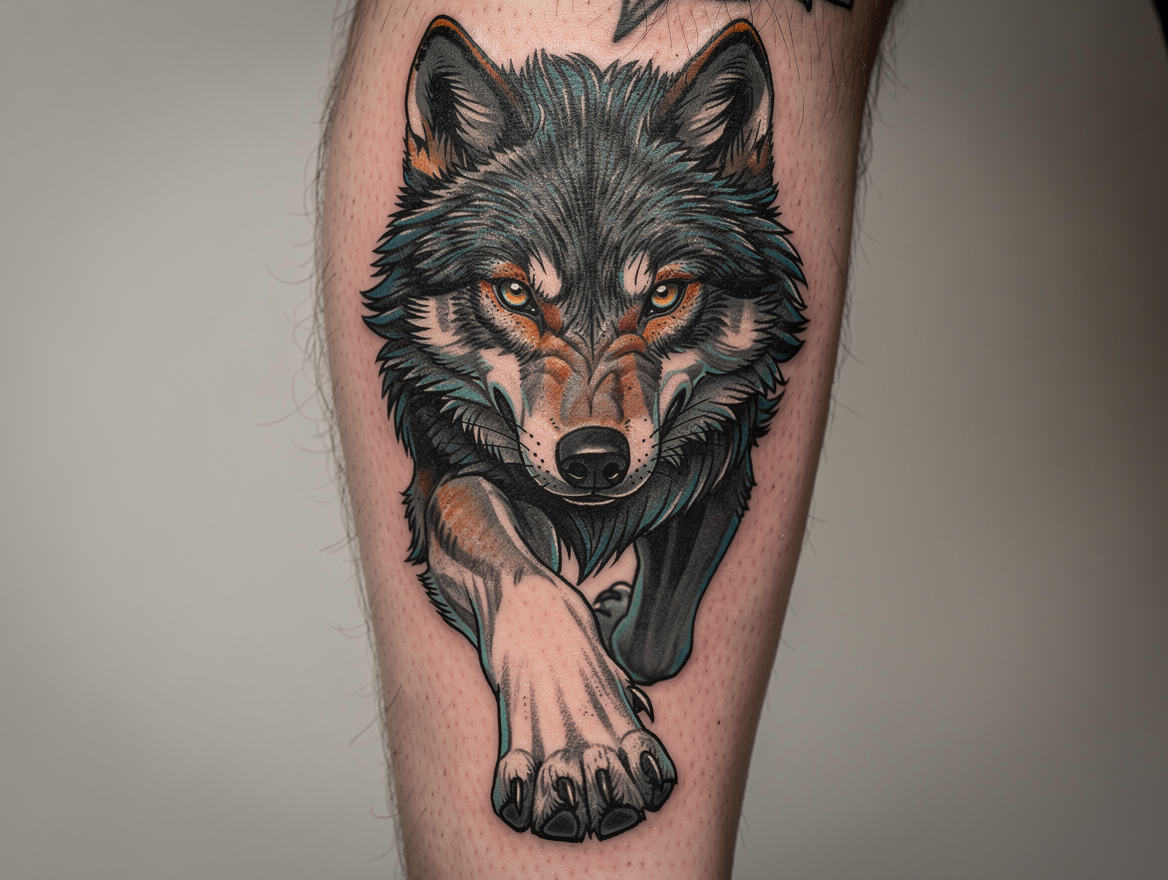 “A wolf head, bold color, intense direct stare, detailed fur shading”
AI-generated preview — actual placement, scale, and shading will vary once tattooed.
Three steps, no photo required.
Describe your idea
Subject, style, shading — as much detail as you have.
Choose a placement
Forearm, shoulder, calf — optional, but sharpens the render.
See it rendered on skin
A photorealistic preview lands in seconds — no upload needed.
What it looks like worn.
A few examples rendered straight from a text prompt — shading and placement included.
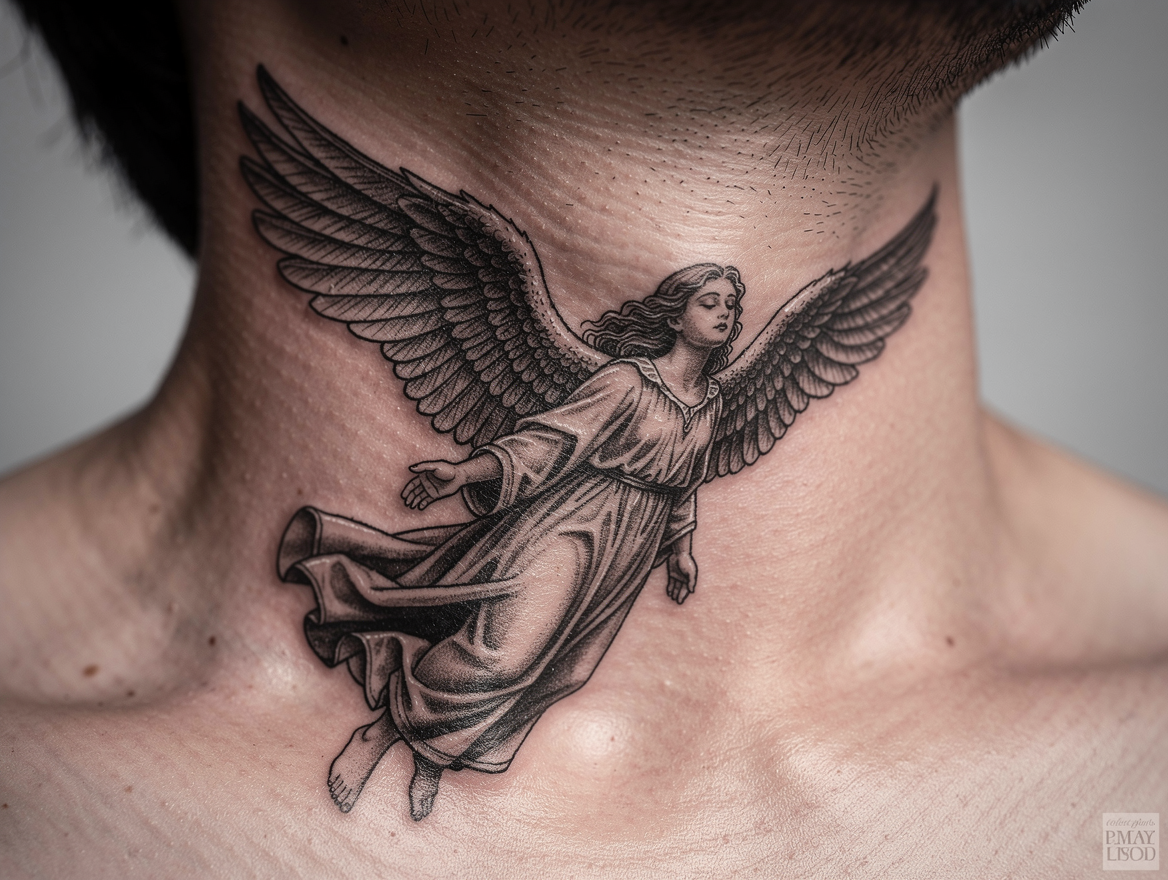 AFTER
AFTER
Angel designNeck
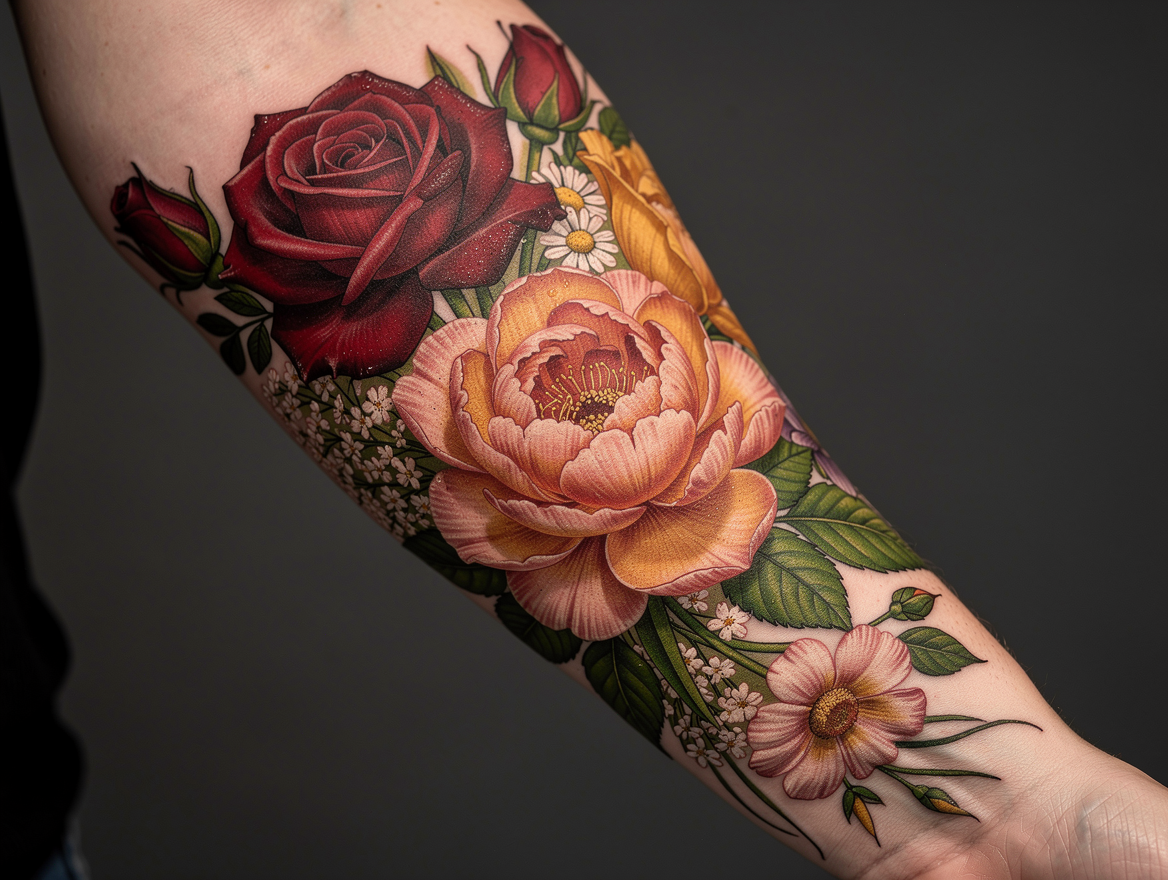 AFTER
AFTER
Floral bouquetForearm
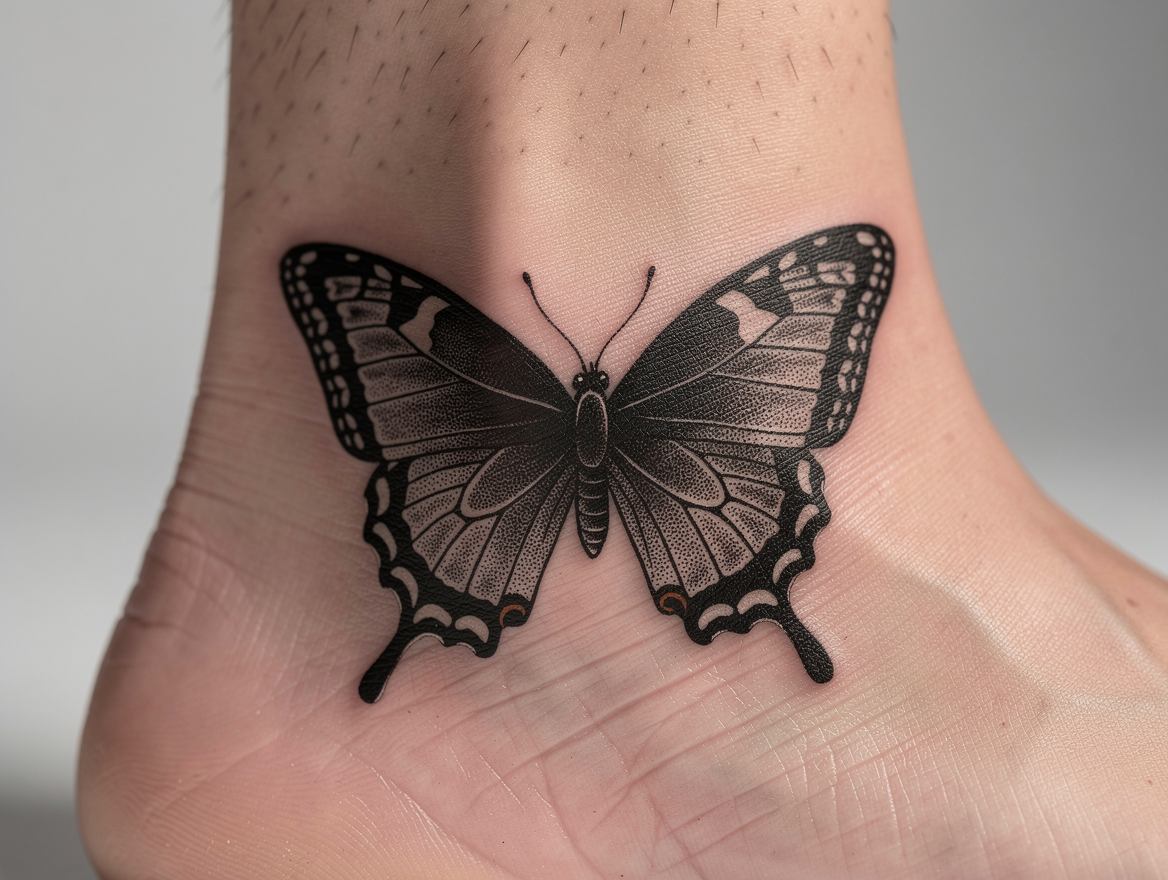 AFTER
AFTER
Linework butterflyAnkle
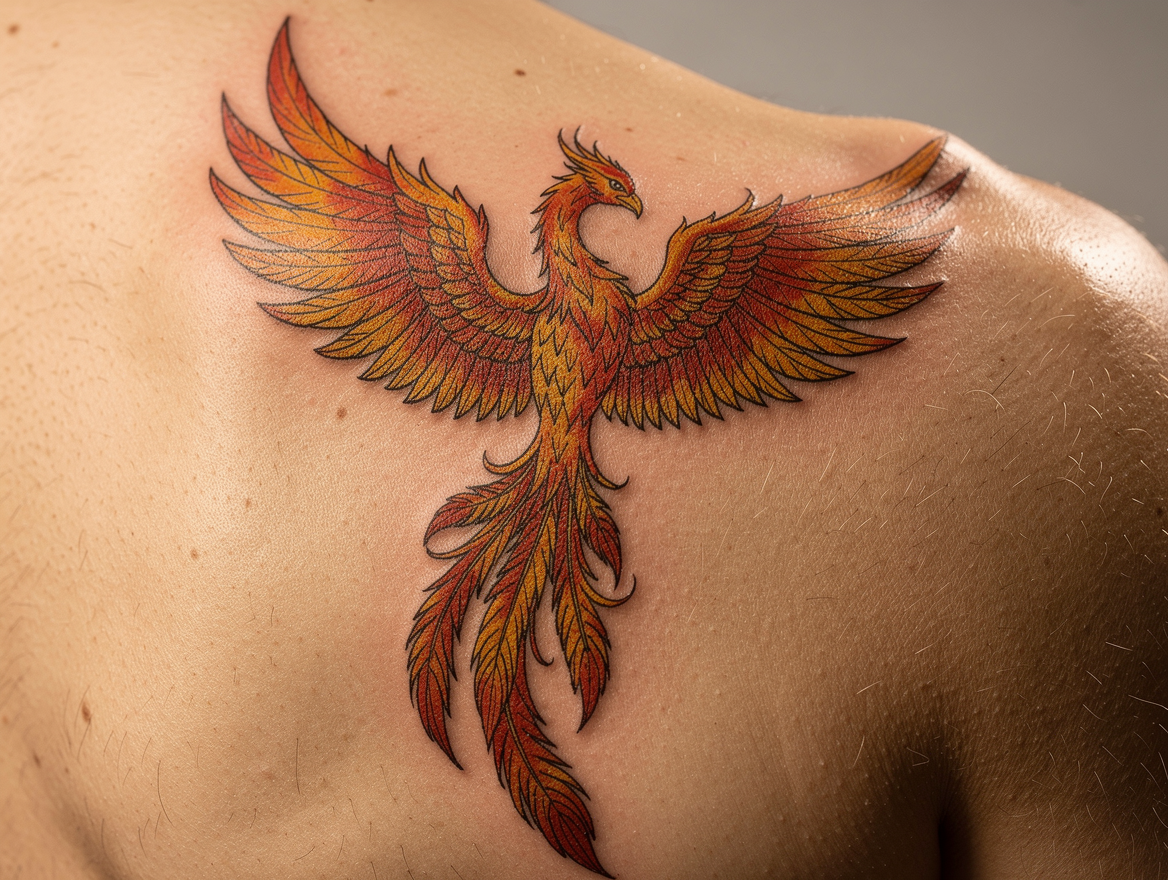 AFTER
AFTER
Phoenix designShoulder
Want it on your own skin?
This preview uses a generic render. Upload your own photo to see it on you specifically.
Before you start typing
Is this rendered on my own skin?
No — this mode renders on a generic body so you don't need to upload a photo. To see it on your own skin specifically, use Try On instead.
How is this different from Flash Design?
Flash Design produces clean, flat art meant for an artist to trace. On Skin renders the same idea photorealistically, with shading and lighting, so you can see how it would actually look worn.
Is it free?
Yes — creating an account is free with a starting credit included, no card required.
Can I choose where it's placed?
Yes, an optional placement picker (forearm, shoulder, calf, etc.) sharpens the render, or leave it out and describe placement in your prompt.
Can I refine the result?
Yes — use follow-up prompts to adjust size, shading, or detail without starting over.
No prompt needed
Or start from art that’s already drawn
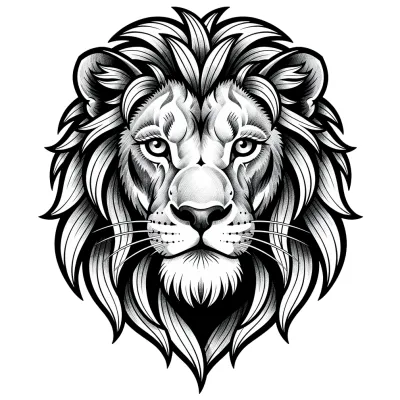
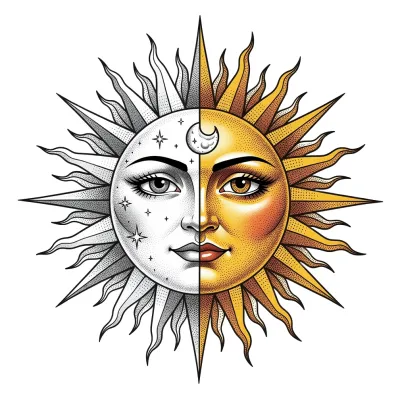
Hundreds of ready-made flash designs, drawn and waiting. Pick one, unlock it, and take it straight to your artist.
Browse the flash library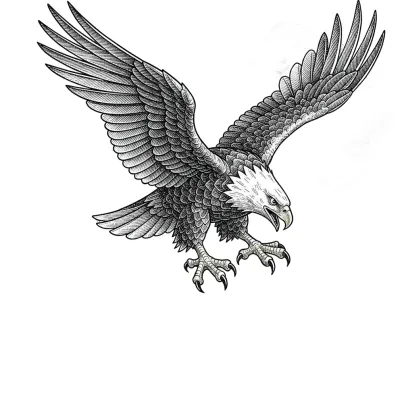
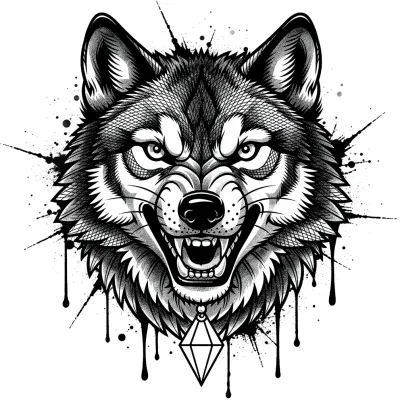
See it before you decide.
Describe your tattoo and get a realistic on-skin render — no card needed to start.
Part of the Tattooed AI Designer family — Flash Design · On Skin · Try On · Upload Design